Out now for Mac and Windows
Draw on top of anything on your screen.
Press a shortcut, mark up what you’re showing, and press it again to put it all away.
Buy on GumroadPay what you want, from $5. One purchase covers Mac and Windows.
On screen
Features
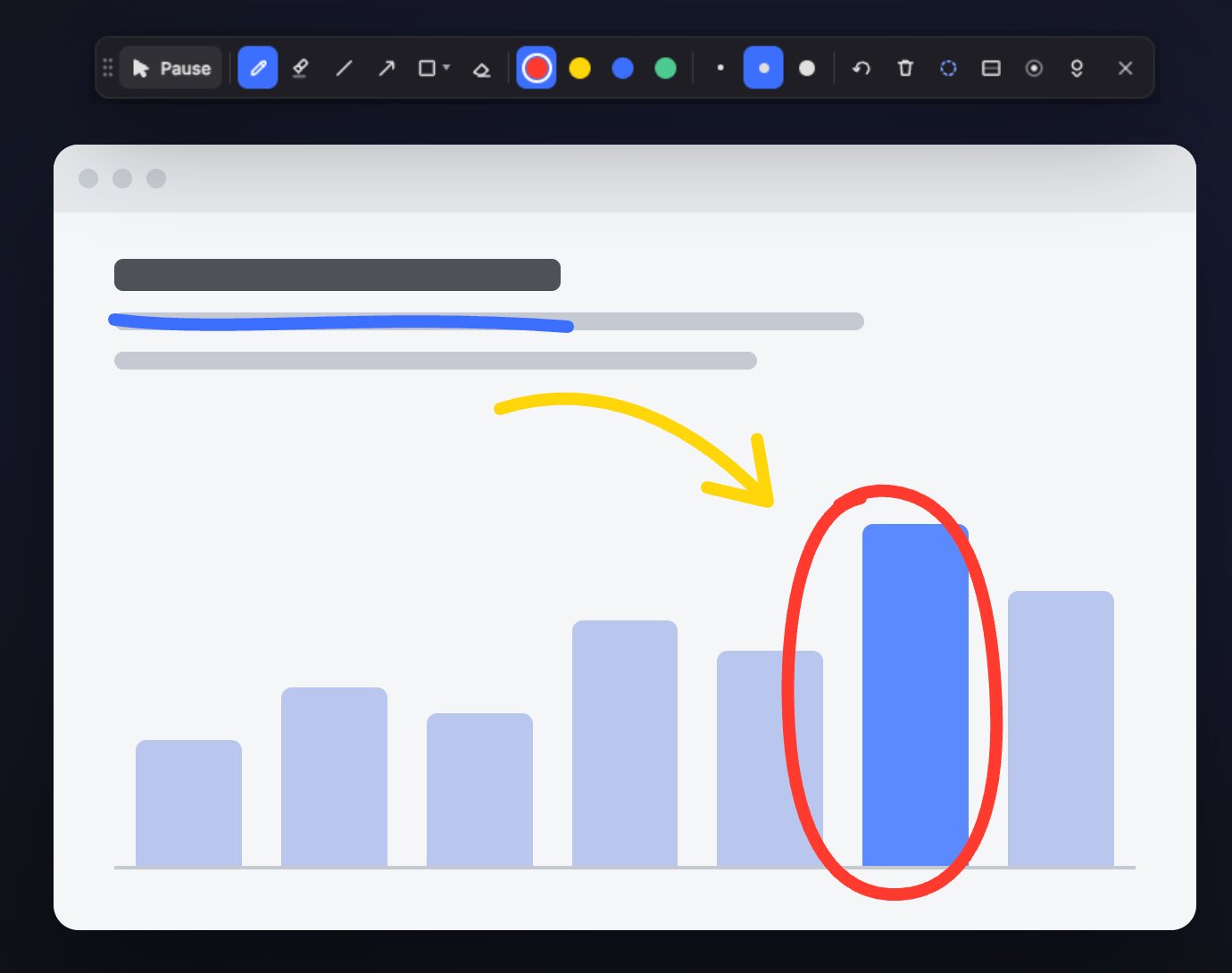
Pen, highlighter, lines, arrows, rectangles, ovals, triangles and hexagons. Hold Shift for straight lines, squares and circles.
Four colors from a choice of palettes or your own, three sizes, and pen pressure with a tablet or Surface pen.
Strokes can fade out on their own, or stay until you clear them. Eraser, undo and redo either way.
A blank surface when you need one. Turn it off and your drawing is still there.
A glow that follows the pointer, with a ripple on each click, so people can follow along in demos and recordings.
Press Esc to click through to your apps while the markup stays put. A full toolbar or a small floating button, your choice.
Good to know
Share your entire screen, not a single window. Etch draws on its own layer above your apps, and a single-window share leaves it out.
No account and no tracking. Etch never captures or records your screen, and only goes online to check your license key. Etch privacy policy.
One key works on Mac and Windows and activates Etch up to five times. Changed computers and run out? Write to us and we’ll reset it.
Etch lives in the menu bar on a Mac and the system tray on Windows. No window, no Dock icon.
Your license key and both downloads arrive straight after checkout. Questions go to hello@heavy.house.
Buy on Gumroad